Your crawl data
Crawls and settings are stored in your local Windows profile. Reports are saved to a location you choose. This is not a cloud crawling service.
 NUCLEAR
A Windows desktop crawler for inspecting site structure, SEO signals and crawl evidence on your own computer.
PRELAUNCH The app is in evaluation preview and is not on sale yet. Screenshots are from preview builds 2.16.0 to 2.17.8 with demo data, not a commercial release.
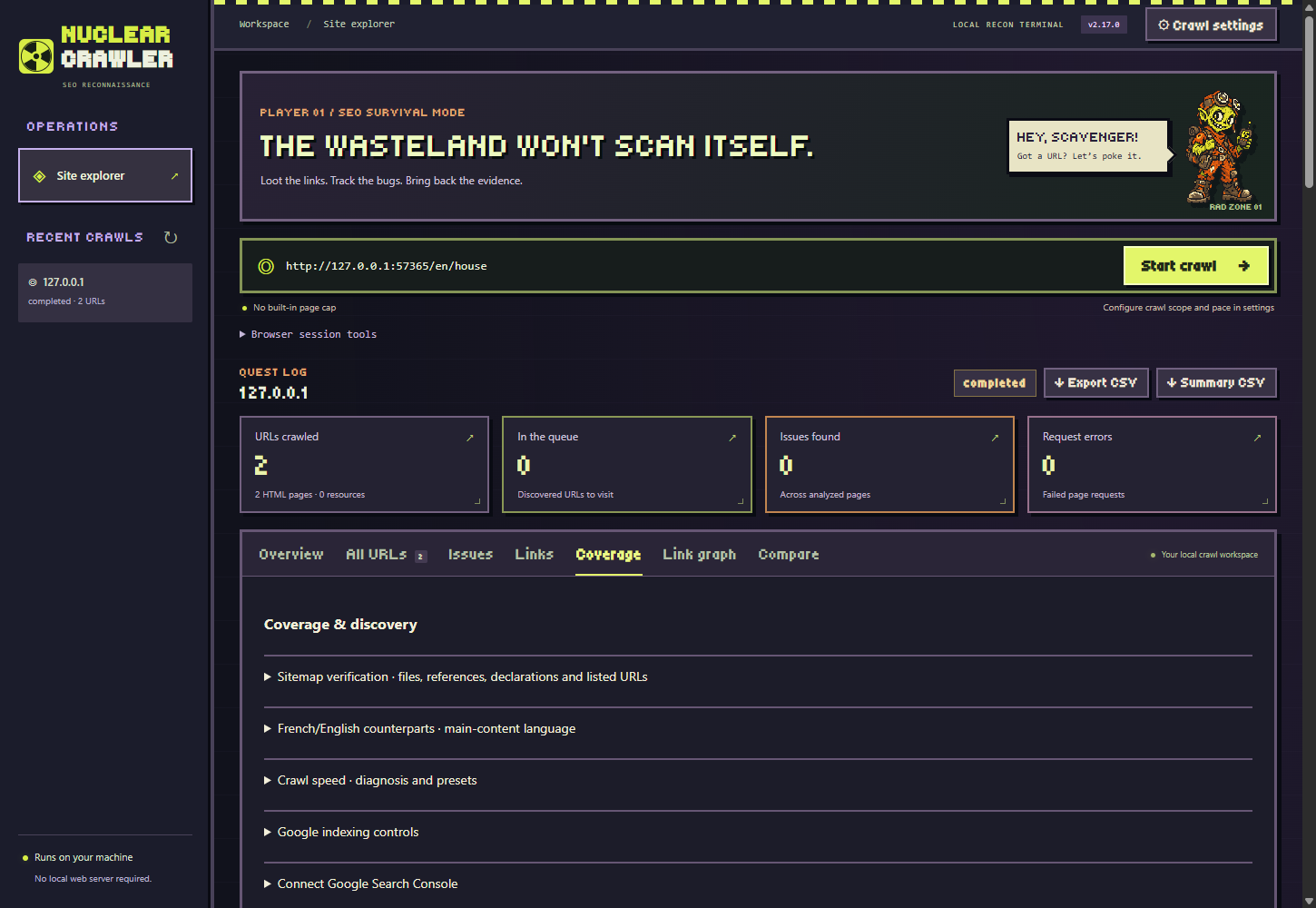
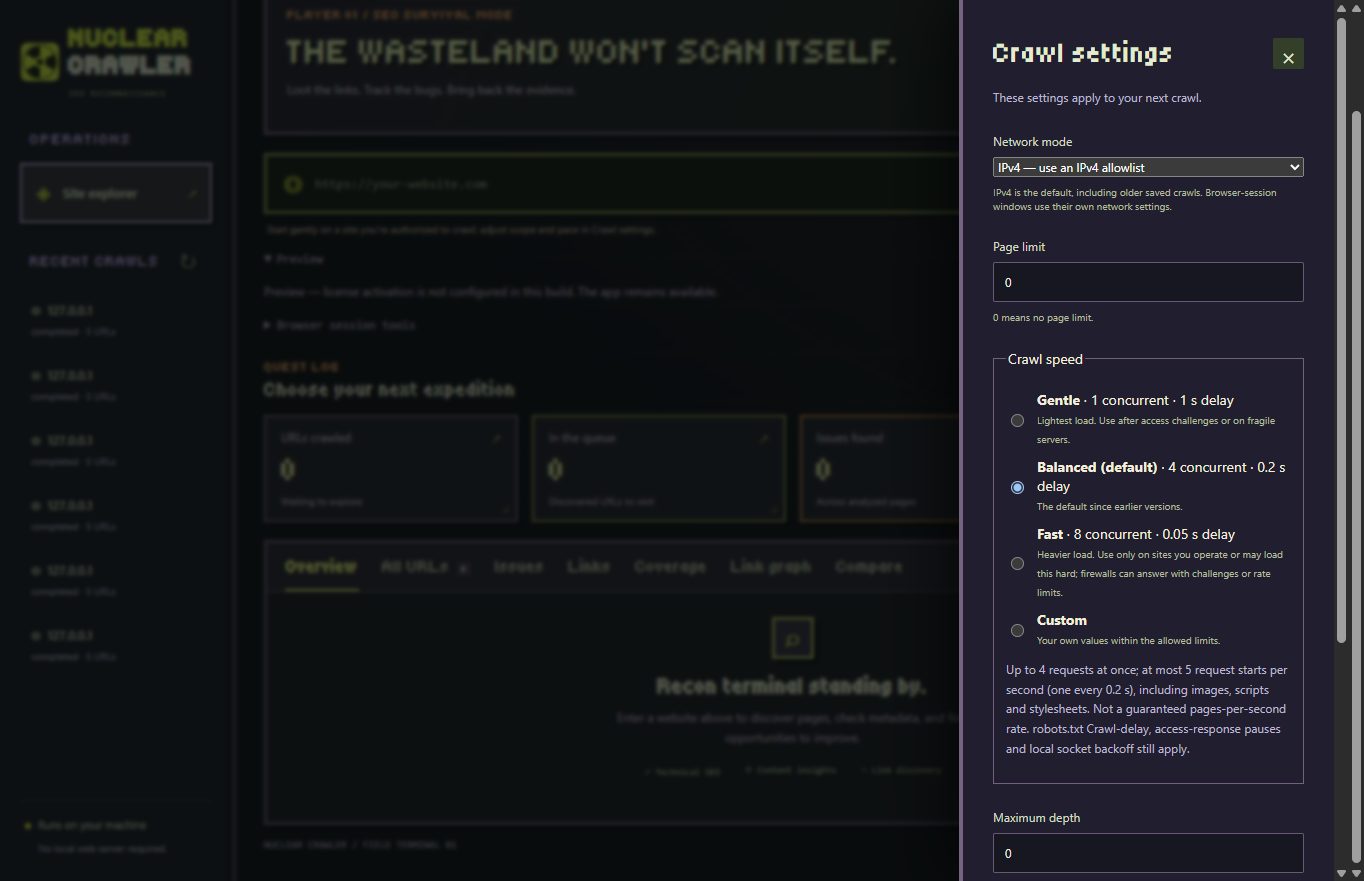
Enter a site, choose scope and pace in Crawl settings, then select Start crawl. Crawls can be paused, resumed, stopped, reopened and exported.
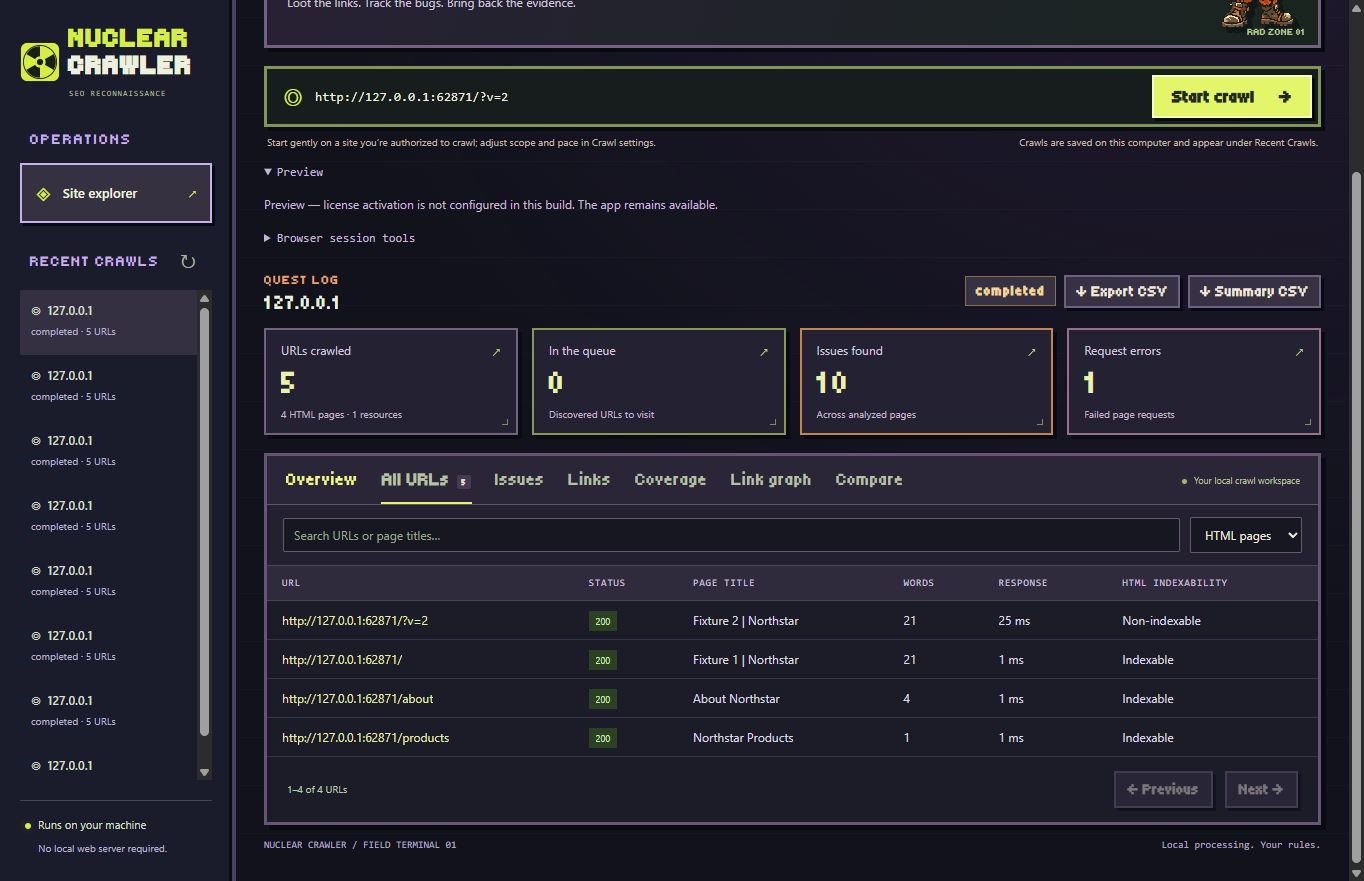
The workspace has Overview, All URLs, Issues, Links, Coverage, Link graph and Compare tabs. Links shows source pages, destinations, anchor text and HTTP outcomes; an HTTP success does not prove that rendered media works.
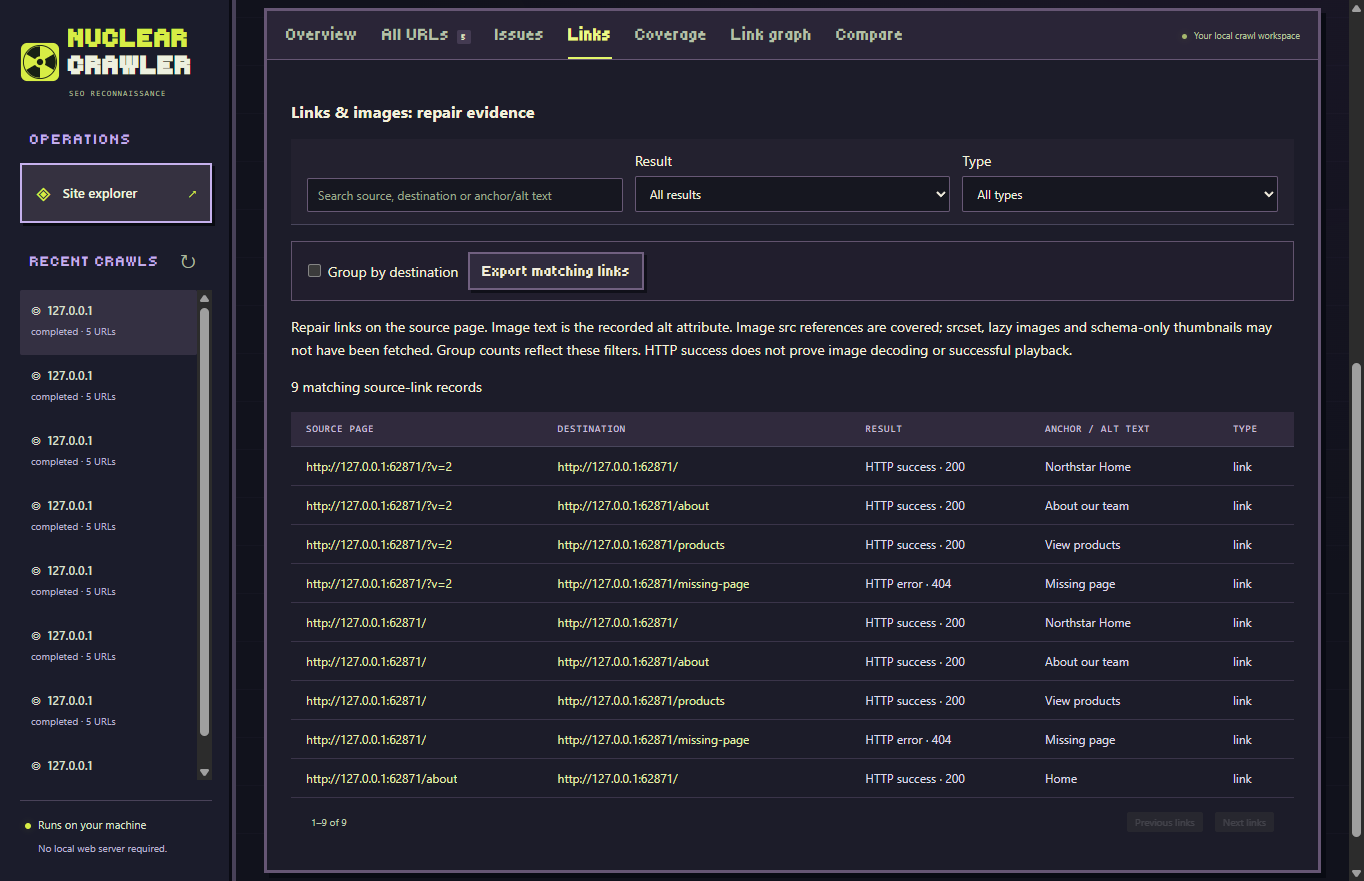
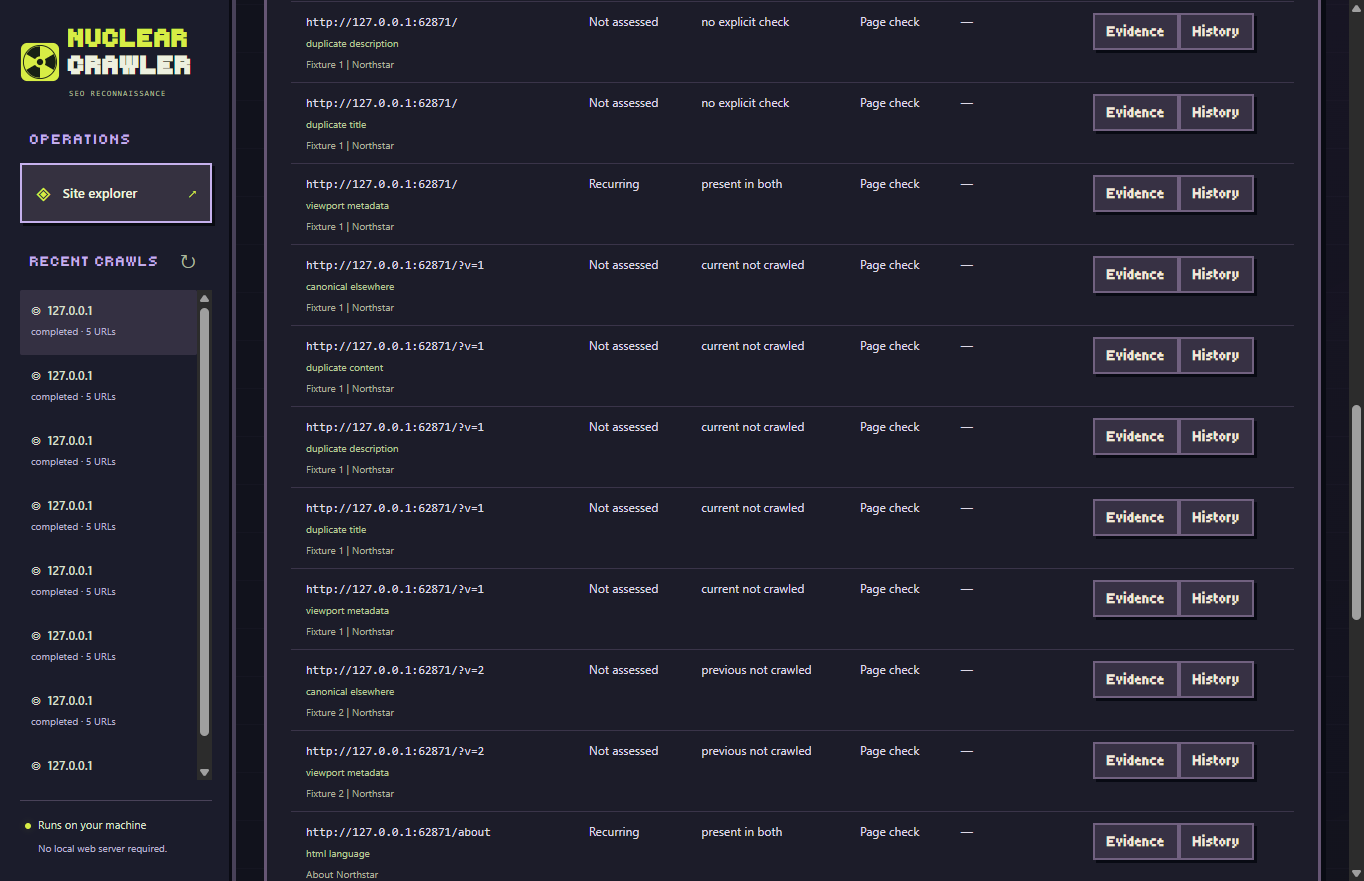
Open findings and page details to review the recorded evidence. Coverage shows which checks ran and what remains unavailable or unassessed.
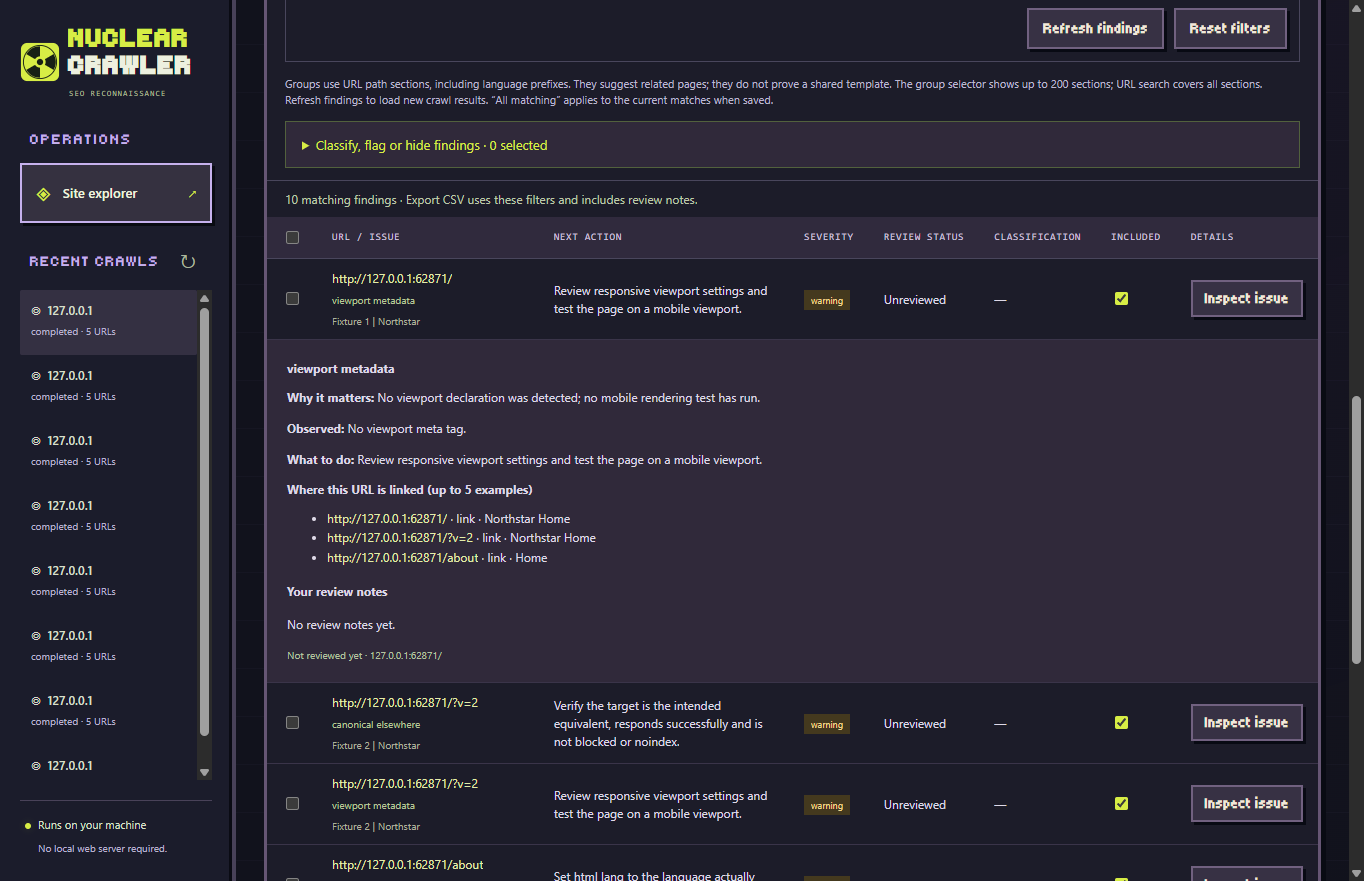
Crawl review can preserve flags, classifications and notes. Marked fixed records your review decision; it does not establish a verified fix.
Compare saved crawls. Missing or unobserved evidence is kept distinct from proven removal. Export CSV follows the current report; Summary CSV exports page summaries using the current page filters.
Optional analyses are available from Coverage & discovery and related panels. They include:
An available analysis does not mean every URL or every possible rule was checked. Results depend on crawl scope and the checks you run. No findings does not mean every check passed.
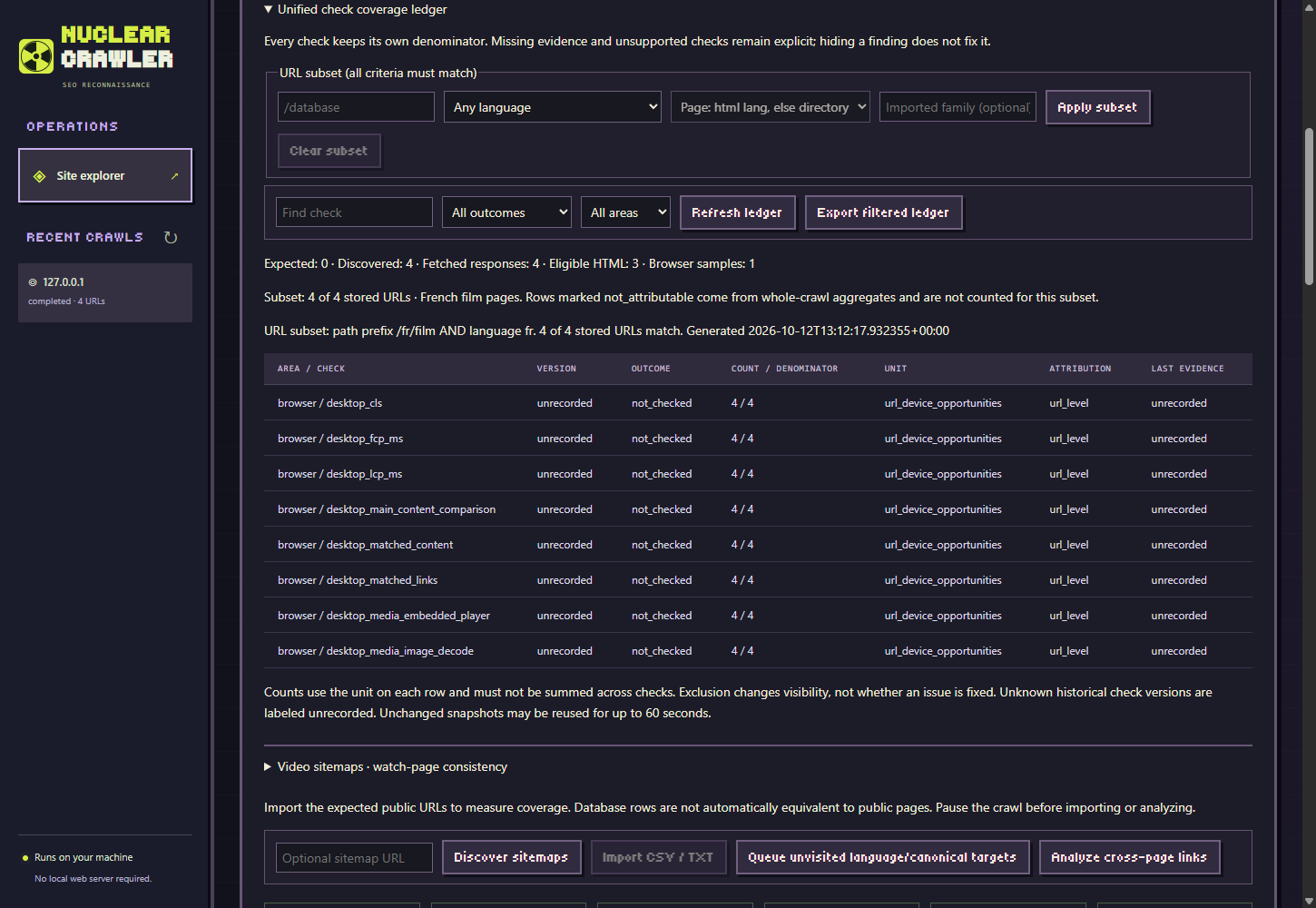
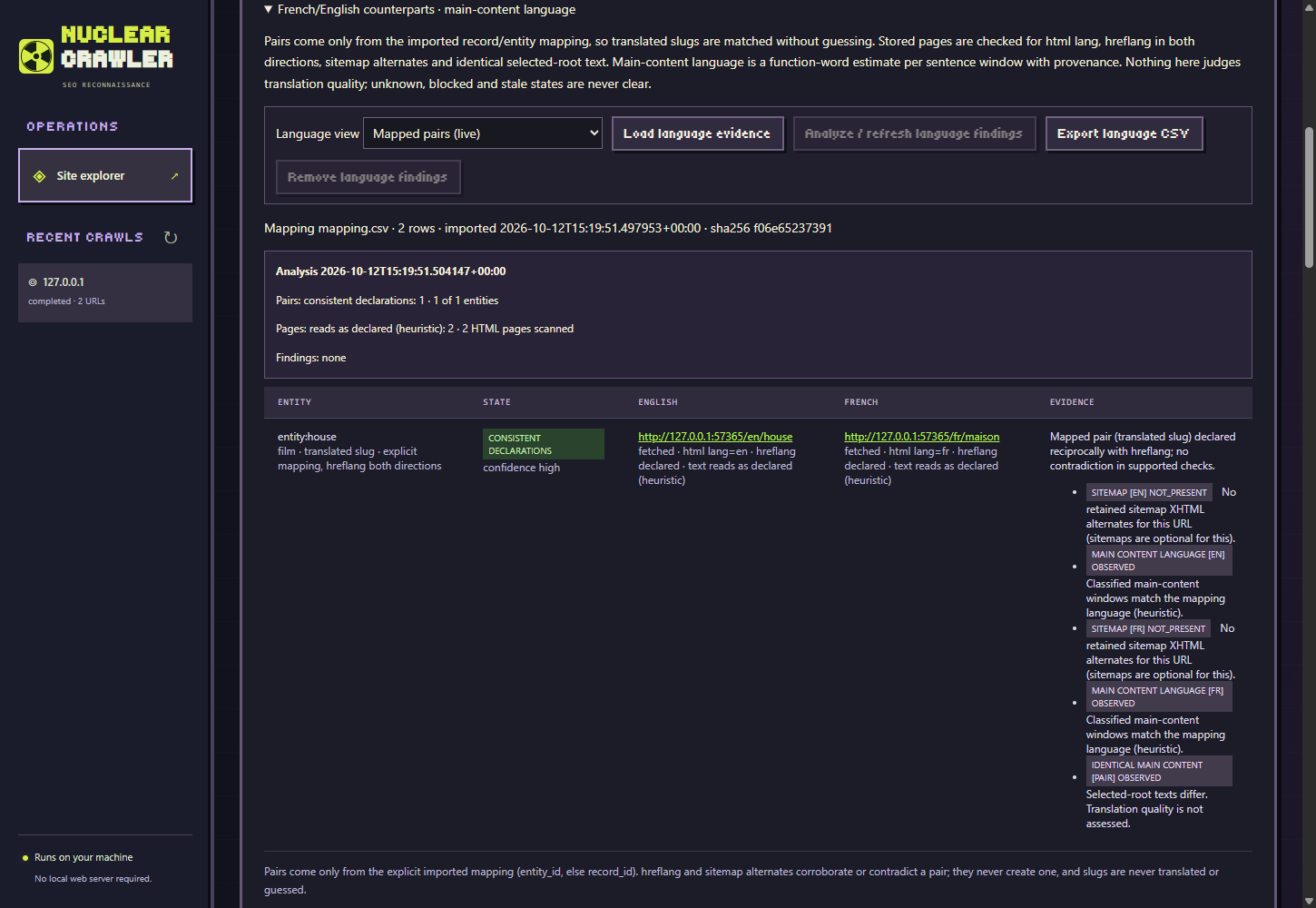
Language evidence maps counterpart pages, such as English and French versions, and reports heuristic language signals. It does not judge translation quality.
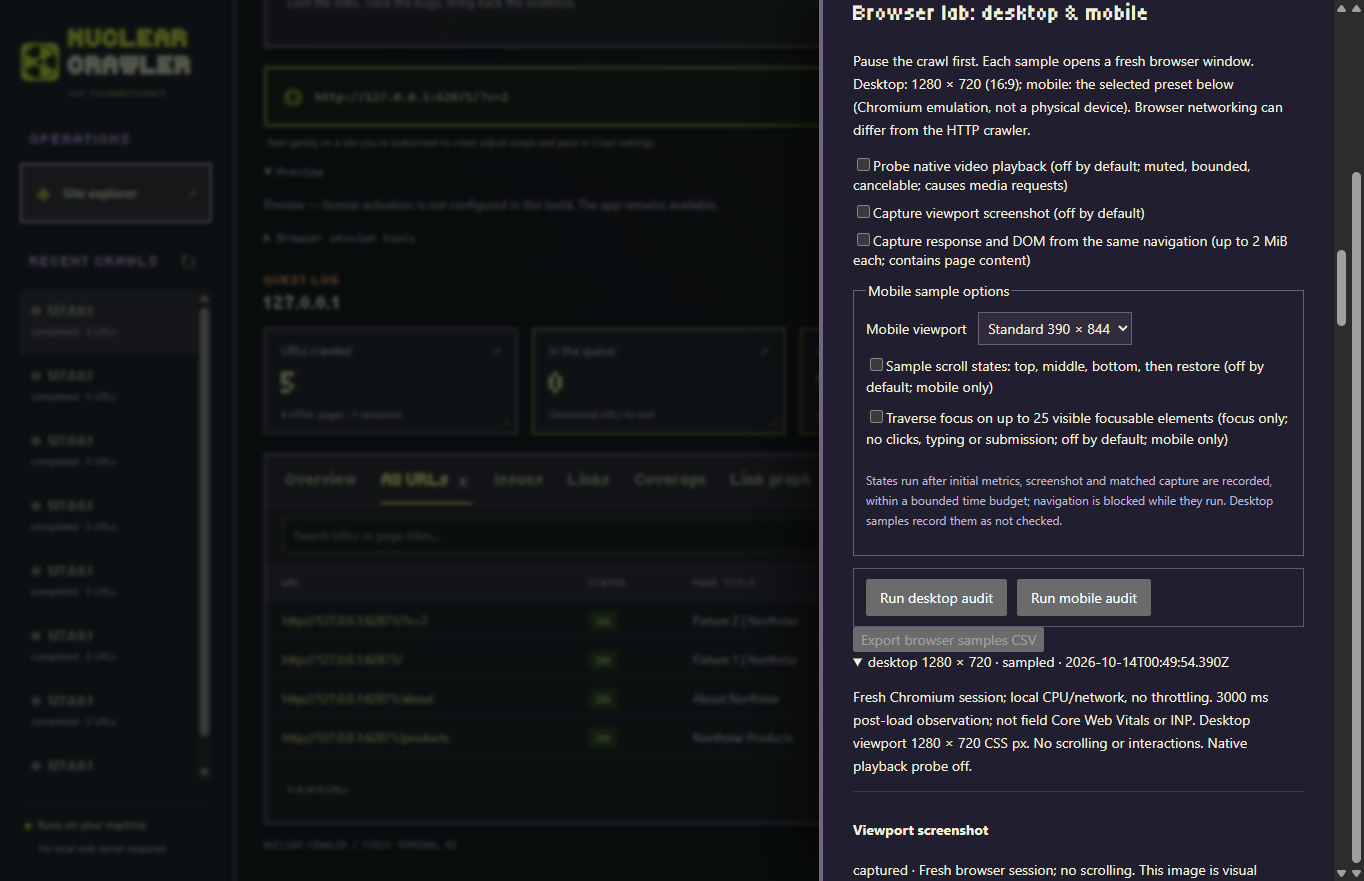
Run desktop or emulated-mobile browser samples on selected pages for lab observations such as LCP, FCP and CLS, plus rendered-page evidence. Screenshots and matching response and DOM captures are optional.
You start it after pausing the crawl. It uses desktop Chromium and mobile emulation. It is not a physical-phone test or a field-performance percentile, and an ordinary crawl does not run it on every page.
Crawls and settings are stored in your local Windows profile. Reports are saved to a location you choose. This is not a cloud crawling service.
The crawler sends HTTP(S) requests from your computer to the site and the URLs inside the crawl scope. Crawling a website needs an internet connection.
The verified preview is a portable Windows x64 folder with its runtime bundled. A separate Python or Node.js installation is not required.
An online Search Console connection is not configured in the current preview. Crawling and offline CSV or TXT URL imports work without Google. Advanced local OAuth setup is an optional configuration, not a ready-made sign-in.
Perpetual use of the version you purchase. Future updates are discretionary. Purchase is not open yet.
Pricing details ›Installation, first crawl, exports, local data, licenses and updates.
Read the help and FAQ ›Join the list for Nuclear Crawler launch updates.